 PocketProof
If you already know how to build a budget but still watch $200–$400 leak out every month on things you didn't plan to buy, the problem is probably your checkout screen. One tap is too easy. The fix is adding physical and digital friction between the impulse and the purchase, so the decision has to survive a delay instead of a single tap.
What is behavioral friction budgeting?
Behavioral friction budgeting is the practice of deliberately adding small delays and extra steps between the urge to buy something and the ability to actually complete the purchase. Your budget categories and percentages stay the same. What changes is how hard your accounts make it to spend without thinking. The core idea: a purchase that survives a mandatory delay is a decision; a purchase made in one tap is a reflex.
This matters most for people who've already done the budgeting work — you know your numbers, you've built a plan — and still watch impulse purchases blow past the plan anyway. That's not a math failure. It's a design failure in your spending environment, and it has a design fix.
Why willpower budgeting fails at the point of sale
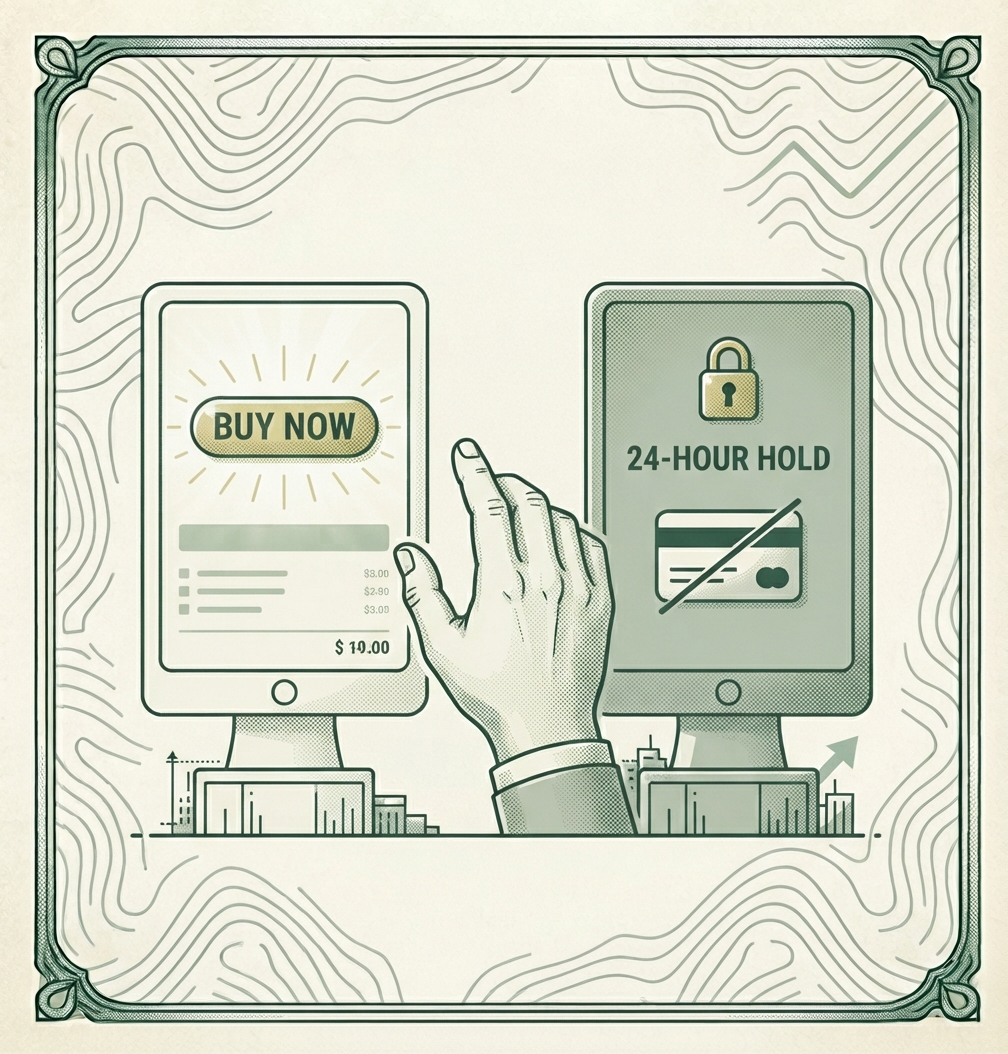
A budget lives in a spreadsheet or an app. An impulse purchase lives in a three-second window between seeing something and clicking "Buy Now." Your budget has zero influence over that window unless something physically slows it down — willpower alone has to win that fight fresh, every single time, against an interface engineered to remove exactly that kind of hesitation.
Saved credit cards, one-click checkout, and push notifications from delivery apps aren't neutral conveniences. They're friction removed on purpose, because friction is what gives you time to ask "do I actually want this?" before the money is gone. Behavioral friction budgeting just puts that friction back, on your terms.
The Friction Ratio & Impulsive Buffer Formula
Every purchase gets a required wait time before you're allowed to complete it. Two numbers combine to set that wait: the price of the item, and how much friction you've built into your accounts.
The formula
- Impulse Delay Rule: Purchase Price ÷ $50 = Hours to Wait Before Purchasing
- Friction Score: the sum of every barrier you've actually built into your accounts (see the table below)
Total Wait Time = (Purchase Price ÷ $50) + Friction Score
A $40 impulse buy gets under an hour of mandatory delay. A $400 impulse buy gets 8 hours. The rule scales the cooling-off period to the size of the decision — small stuff doesn't need a 3-day hold, but a purchase that would eat a real chunk of your budget does. Stack additional hours on top of the base delay for every barrier you've actually built:
| Friction barrier | Hours added |
|---|---|
| Saved/autofill card removed from the retailer or browser | +1 hour |
| Item placed in a 24-hour cool-off cart instead of purchased immediately | +24 hours |
| Purchase requires transferring funds from a separate, lower-balance debit account | +2 hours |
| Shopping app notifications and saved payment methods deleted from your phone | +1 hour |
| Purchase requires typing your full card number by hand (no autofill, no wallet app) | +1 hour |
A $150 pair of shoes with no barriers in place: 3 hours. The same $150 purchase after you've removed your saved card (+1) and moved discretionary spending to a separate debit card (+2): 6 hours — long enough that most impulse purchases lose their pull entirely before the timer runs out.
Try it: how long should you wait?
Enter a real purchase price and check off the barriers you've actually built — the calculator below runs the exact formula above.
Impulse delay calculator
Defaults match the $150 example above.
If you still want it when the timer runs out, buy it deliberately — that's the system working, not failing.
What's actually triggering your spending?
The wait-time formula above works no matter what's driving your impulse buys — but knowing why you buy tells you which barrier to build first. Answer four quick questions:
Spending trigger assessment
Pick the option closest to true for you in each question — there's no wrong answer.
1. When do you find yourself adding something to a cart you didn't plan to buy?
2. What usually happens right before the purchase?
3. How do you feel right after?
4. Which describes your typical purchase amount?
This is a quick self-assessment, not a diagnosis — most people have more than one trigger. Use it to decide which barrier below to build first.
How to build your own step barriers
You don't need all five friction sources active everywhere. Three barriers, built once, cover almost every common impulse-spending trigger:
- Delete saved and autofill card details from your phone's wallet, your browser, and any shopping app you use more than once a week. This alone kills true one-click checkout — you now have to go find a physical card before anything can happen.
- Create a 24–48 hour "cool-off" folder or wishlist instead of a cart. When something catches your eye, it goes in the folder, not the checkout flow. If you still want it after the hold period, buy it deliberately — you've just turned an impulse into a decision.
- Move discretionary spending money to a separate debit card, disconnected from your main checking account and not saved anywhere for autofill. Checking the balance and manually entering the card number both add real friction, and seeing a smaller, dedicated balance makes overspending visible in a way a shared account never does.
To ensure your behavioral changes align with your core framework, review our breakdown of zero-based budgeting vs. the 50/30/20 rule. Friction barriers control how money gets spent in the moment — they don't replace deciding how much is allowed to go toward discretionary spending in the first place. That's a different, complementary problem — see our fun money allowance guide for building in deliberate, guilt-free spending rather than just blocking impulse purchases.
Case study: how Jordan recovered $900 in 90 days
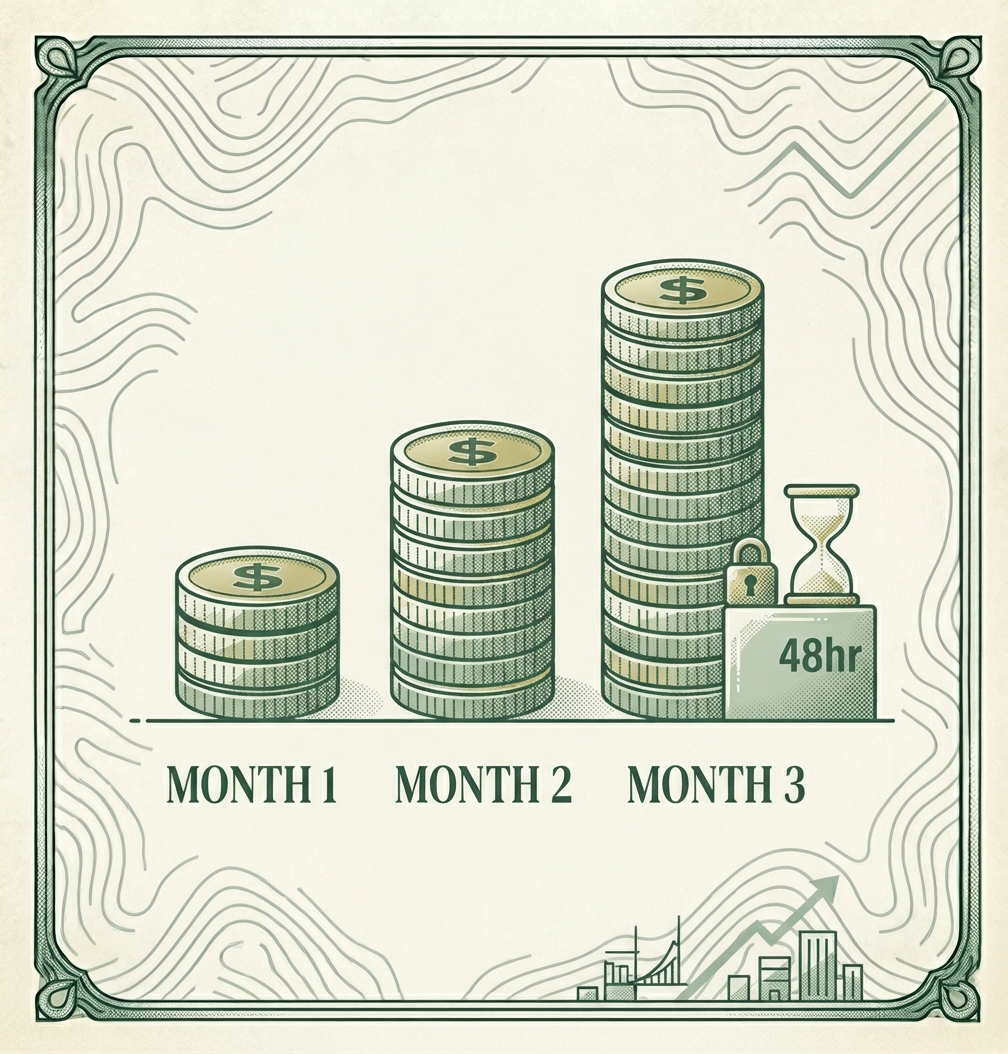
Jordan earns $60,000/year and has a budget that works on paper — but between one-click online shopping and delivery apps, actual spending ran $200–$400 over budget every month, almost entirely on purchases made in idle moments: scrolling in bed, ordering delivery instead of cooking, adding "just one thing" to a cart that was already checking out.
| Month | Barriers active | Recovered |
|---|---|---|
| Month 1 | Saved cards deleted from wallet + top 2 delivery apps | $200 |
| Month 2 | + 48-hour wishlist folder, + separate low-balance debit card | $350 |
| Month 3 | All three barriers running (maintenance) | $350 |
Month 1 — partial implementation. Jordan deleted saved card info from their phone's wallet and the two delivery apps used most. The old habit still pulled toward the same purchases, but every one of them now required physically finding a card first. Overspending dropped from an average $300/month to about $100 — a $200 recovery in the first month alone, just from removing autofill.
Month 2 — full system. Jordan added a 48-hour wishlist folder for anything over $30, and moved all discretionary "fun money" to a separate debit card with a small, visible balance — no longer sitting inside the main checking account. Delivery-app orders that used to happen on impulse now had to survive a 48-hour hold plus a card swap. Overspending dropped to essentially zero, recovering another $350.
Month 3 — maintenance. With all three barriers running, Jordan's actual spending matched the budgeted amount for the first time in over a year, recovering a final $350.
Total recovered over 90 days: $900 — without a single change to income, budget percentages, or spending categories. The money was always there; it just had nothing slowing it down before.
Where friction barriers save the most
Not every spending trigger responds to the same barrier. Match the friction to where the impulse actually happens:
| Spending trigger category | Friction barrier implemented | Estimated monthly savings |
|---|---|---|
| One-click online shopping | Delete saved/autofill card details from browser and wallet | $75–$150 |
| Delivery apps (food, groceries) | Remove app from home screen + delete saved payment method | $60–$120 |
| Impulse adds during checkout ("just one more thing") | 24–48 hour wishlist folder instead of direct cart | $40–$90 |
| In-store impulse buys | Leave main card at home; carry only a preloaded discretionary debit card | $30–$80 |
| Social media "shop now" ads | Turn off saved payment on linked shopping accounts + unfollow trigger accounts | $25–$60 |
If you struggle with variable income months alongside impulse spending, check out our guide on budgeting on an irregular income. Friction barriers matter even more in a lean month, when the same $40 impulse purchase eats a much bigger share of what you actually have coming in.
When friction alone isn't enough
If impulse spending is consistently pulling from savings or your emergency fund rather than just discretionary categories, that's a sign the underlying plan needs attention, not just the checkout flow. If overspending is causing you to dip into reserves, re-evaluate your base using our guide on how to build a budget that actually works. Friction barriers slow down bad decisions — they don't create room in a budget that was never realistic to begin with.
This calculator computes a wait time from price and friction alone — for a printable log that tracks specific pending purchases against a real calendar date, see our 30-day delay rule guide.