 PocketProof
The fastest way to track spending without a spreadsheet or an app is to stop tracking transactions at all — split your paycheck into three separate accounts the moment it lands (bills, spending, savings), and let each account's balance do the tracking for you. You don't log a single purchase. You just don't spend from the spending account once it's empty.
Why manual expense tracking doesn't stick
Spreadsheets and category-tracking apps ask you to do the same small task dozens of times a week: open the app, find the receipt, pick a category, enter the amount. Miss three days in a row and the backlog feels big enough to skip entirely — and once a week goes fully untracked, most people don't go back and reconstruct it, they just stop. That's not a willpower problem. It's a friction problem, and our guide to behavioral friction budgeting covers the same failure mode from the other direction: for most people, the number of steps between "I want to check something" and "I have an answer" predicts whether the system survives, more than how motivated they were on day one.
The 3-account method removes the step entirely. There's nothing to log, because the tracking already happened when the money moved on payday. Checking your spending account's balance takes the same five seconds as checking any account balance — no category, no receipt, no app to open.
How the 3-account method actually works
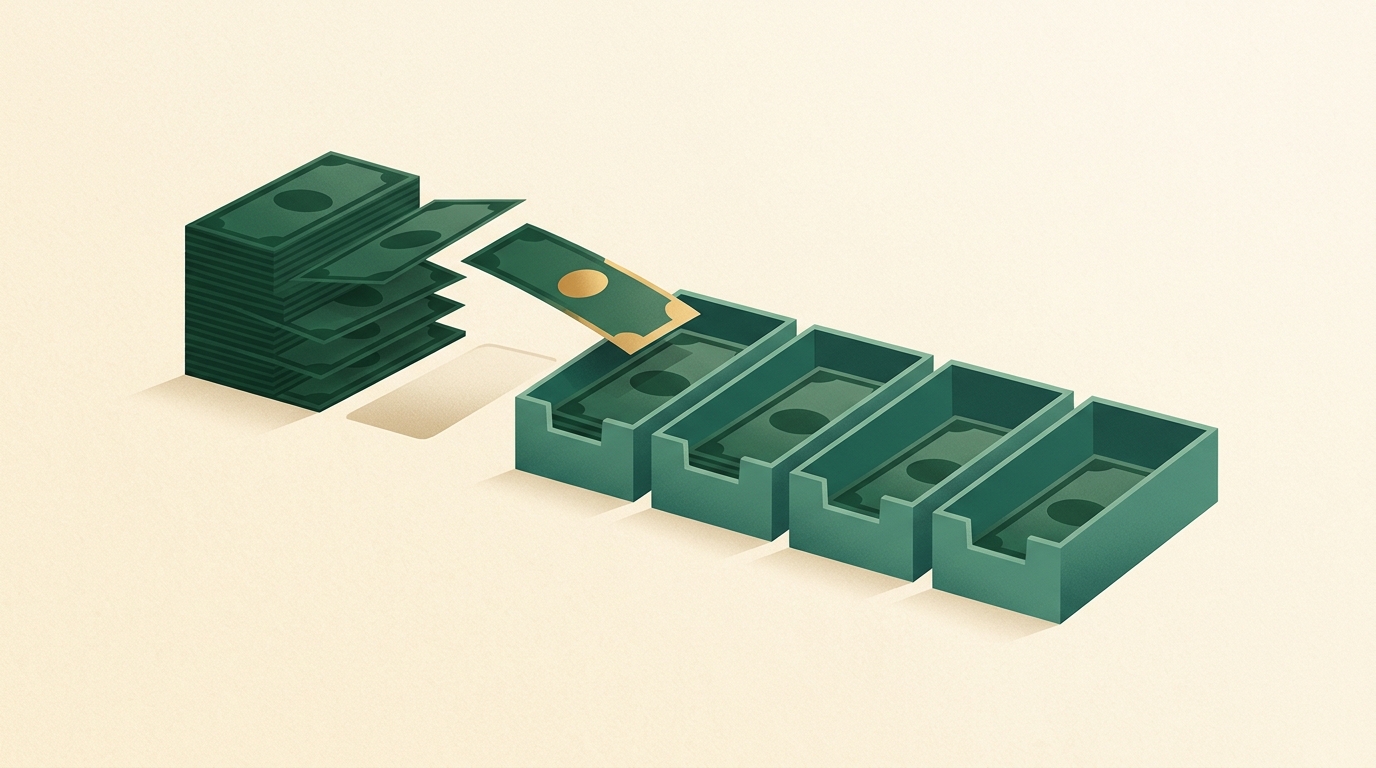
On payday, your full paycheck splits across three accounts before you touch any of it:
Paycheck lands
Your full take-home pay hits one account first, same as always.
Bills account
Rent, utilities, minimum debt payments, subscriptions — anything with a fixed due date pulls from here only.
Spending account
Groceries, gas, restaurants, everything discretionary. Your debit card lives here — and only here.
Savings account
Moves out of reach immediately, before it can compete with anything above it.
The bills account only ever gets touched by autopay. The savings account is set-and-forget by design — our guide to automating savings so you stop relying on willpower covers the mechanics of making that transfer automatic on payday rather than something you have to remember to do. The spending account is the only one you touch by hand, and its balance is the entire tracking system: money in it means you can spend, an empty balance means stop.
How much goes in each account?
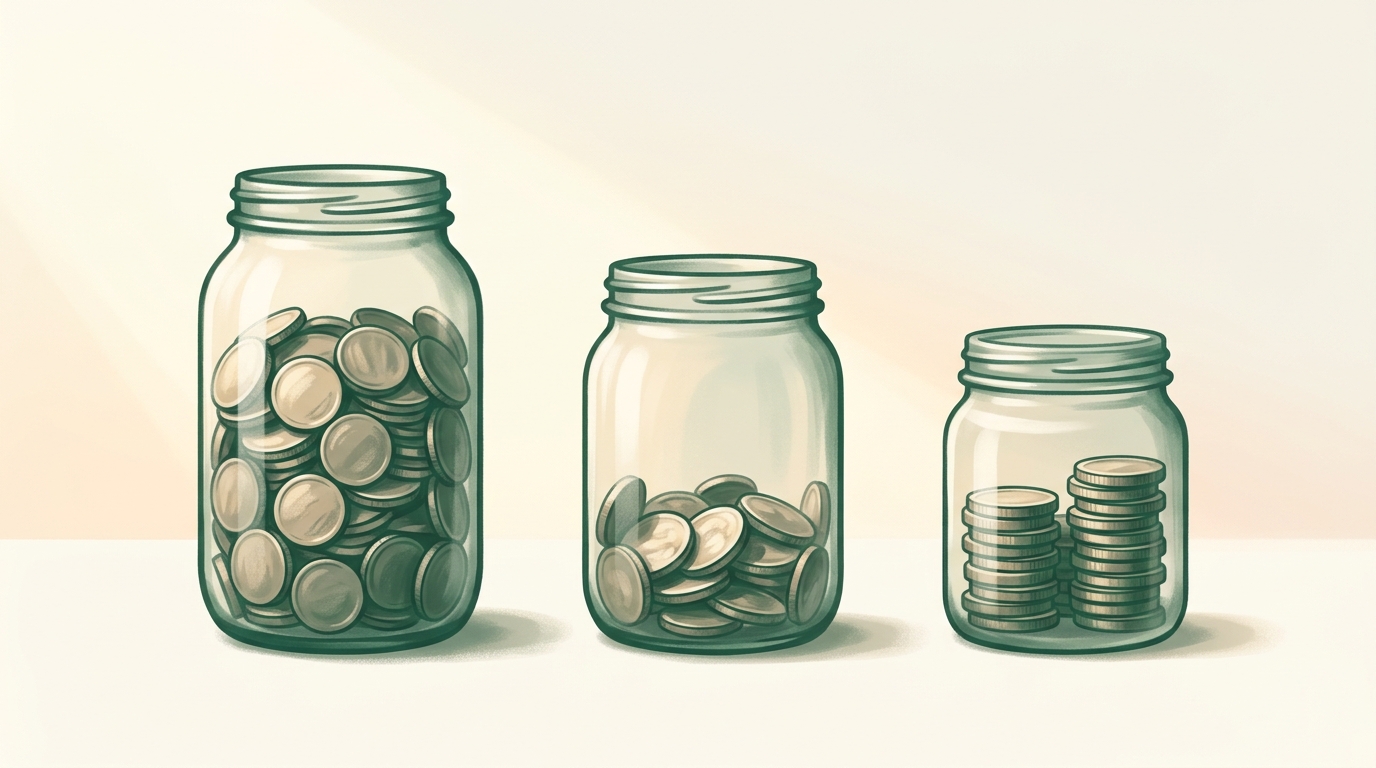
The 3-account method doesn't require any particular split — it's a delivery mechanism for whatever ratio you're already using. If you don't have one yet, our 50/30/20 rule breakdown and zero-based budgeting guide both walk through how to land on real numbers. As a worked example, on a $3,000/month take-home paycheck split 50/30/20:
| Account | Share | Monthly amount |
|---|---|---|
| Bills | 50% | $1,500 |
| Spending | 30% | $900 |
| Savings | 20% | $600 |
$900 a month in the spending account works out to about $30 a day or $207 a week — not a number you need to do anything with, just a rough feel for the balance you should expect to see if you check the account mid-month.
What's your own split?
Enter your own take-home pay and percentages below to see what lands in each account.
Account split calculator
Defaults match the 50/30/20 example above — change any field to match your own budget.
These are monthly figures. If you're paid twice a month rather than once, see the per-paycheck breakdown below.
What if I'm paid twice a month instead of monthly?
Split each paycheck the same way, not just the monthly total — the same $3,000/month example, paid as two $1,500 checks, becomes $750 to bills, $450 to spending, and $300 to savings per paycheck. If your pay schedule is biweekly rather than semi-monthly, the per-check math is different because biweekly pay produces 26 paychecks a year instead of 24 — our biweekly vs. semi-monthly pay breakdown walks through exactly how that changes the numbers, including the two months a year biweekly pay produces a genuine "extra" paycheck.
Setting it up without extra bank fees
Most online banks, and a growing number of traditional ones, offer additional checking and savings accounts with no monthly fee and no minimum balance — check for those two phrases specifically before opening anything, since some older account types still charge for exactly this kind of multi-account setup. Once the accounts exist:
- Set up a recurring transfer (or split direct deposit, if your employer's payroll system supports it) so your paycheck divides itself on payday — you shouldn't have to remember to move money manually every time.
- Move your debit card to the spending account only. Bills should run on autopay from the bills account; savings shouldn't have a card attached to it at all.
- Check the spending account's balance whenever you'd normally think about opening a budgeting app. That single number is the entire status report.
What this method won't tell you
The 3-account method is honest about its limits: it tells you whether you're within your total spending, not which category ate the money. If your spending account runs low every month and you genuinely need to know whether it was restaurants or gas, this system won't answer that on its own — you'd need to layer in receipts or a lightweight app for that one question, at least for a month, to find the actual leak. Our fixed vs. variable expenses guide walks through a quick diagnostic for exactly that situation.
It also doesn't handle irregular-but-predictable costs well if you leave them in the bills account — an annual software renewal or an insurance premium due every six months can blow up a bills account that's sized for monthly recurring costs only. Our guide to sinking funds covers how to give those their own small holding account instead, so they don't quietly break the bills side of this system the one month they're due.
Quick answers
Do I need a budgeting app to track my spending?
No. Splitting your paycheck across a bills account, a spending account, and a savings account on payday gives you a live tracker for free — the spending account's balance is the tracker. When it's empty, you're done spending for the period; when it isn't, you're not.
How many bank accounts do I need for the 3-account method?
Three at minimum: one for bills, one for everyday spending, and one for savings. Some people add a fourth for sinking funds (irregular but predictable costs like an annual subscription or a holiday budget) so those don't crowd the bills account.
Will multiple bank accounts cost me in fees?
It shouldn't. Most online banks and many traditional ones offer free checking and savings accounts with no minimum balance or monthly fee — look specifically for "no monthly fee" and "no minimum balance" before opening one, since some legacy accounts still charge for exactly this kind of setup.
Does the 3-account method replace a budget?
No — it's a tracking mechanism, not a budget. You still decide how much goes into each account, whether that's the 50/30/20 rule, a zero-based plan, or your own split. The accounts just make the day-to-day tracking automatic once you've made that decision.